
JavaScript Performance Optimization: 10 Proven Techniques to Make Your Website Faster (2026 Guide)
JavaScript Performance Optimization techniques to improve JavaScript speed, reduce load time, and boost web app performance. Learn proven real-world strategies, tools, and best practices.
ALLWEB DEVELOPMENTJAVASCRIPTREACT NATIVENODE JSREACT
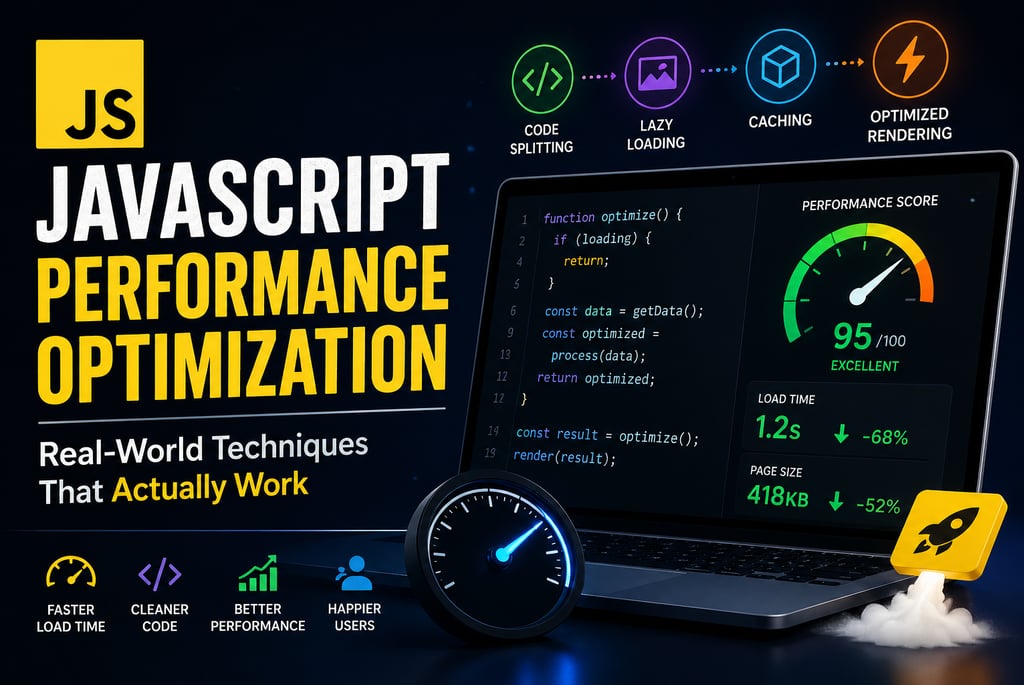
What is JavaScript Performance Optimization? (Featured Snippet Ready)
JavaScript Performance Optimization is the process of improving the speed, efficiency, and responsiveness of JavaScript code to reduce load time and enhance user experience. It involves techniques like code splitting, lazy loading, caching, and minimizing DOM operations.
Why JavaScript Performance Matters in 2026
⏱️ 1-second delay = lower conversions
📉 Slow apps increase bounce rate
📊 Core Web Vitals directly affect rankings
📱 Mobile users expect instant response
If your app is slow, users leave — and Google notices.
10 Real-World JavaScript Performance Optimization Techniques
1. 🧩 Minimize DOM Manipulations
DOM operations are expensive. Reduce reflows and repaints.
2. 🧠 Use Memoization for Expensive Functions
Cache results to avoid recalculation.
3. 📦 Code Splitting & Lazy Loading
Load only what users need.
👉 Reduces JavaScript bundle size and improves initial load.
4. 🌳 Remove Unused Code (Tree Shaking)
Use ES Modules
Avoid importing entire libraries
👉 Helps in JavaScript bundle optimization
5. Debouncing & Throttling
Control high-frequency events like scroll and resize.
6. 🔄 Optimize Loops & Data Structures
Use for loops in critical paths
Prefer Map/Set over arrays for lookups
7. ⚙️ Use Web Workers
Run heavy tasks in background threads.
👉 Best for:
Data processing
Image manipulation
8. 🌐 Optimize Network Requests
Enable caching
Use Gzip/Brotli
Reduce API calls
9. 📊 Monitor Performance
Use:
Chrome DevTools
Lighthouse
Real User Monitoring (RUM)
10. 🧹 Avoid Memory Leaks
Common issues:
Unremoved event listeners
Detached DOM nodes
👉 Always clean up resources.
FAQs (SEO Boost Section)
Q1: How do I improve JavaScript performance?
You can improve JavaScript performance by reducing DOM manipulations, using lazy loading, optimizing loops, and minimizing bundle size.
Q2: What causes slow JavaScript?
Slow JavaScript is caused by large bundle sizes, excessive DOM updates, memory leaks, and inefficient algorithms.
Q3: Does lazy loading improve performance?
Yes, lazy loading reduces initial load time by loading resources only when needed.
Q4: What is the best tool to measure performance?
Google Lighthouse and Chrome DevTools are the best tools for analyzing JavaScript performance.
Final Conclusion
If you apply these JavaScript Performance Optimization techniques, your web apps will be faster, more scalable, and SEO-friendly. Focus on real bottlenecks, measure performance, and continuously optimize.